
Instagram’s Blend feature is a very useful and innovative feature that lets you and your friend combine your reels recommendations into a shared, personalised feed. This is a very entertaining feature that lets you watch reels and Instagram content together as per your preferences. Instagram’s blend feature helps you and your friend watch the same reel and enjoy while keeping the normal feed different.
In this article, we provide the best and easiest ways to create a blend on Instagram so that you and your friends would be able to watch the same reels on their respective feeds, along with a step-by-step process for the same.
Why Use Instagram Blend
The blend feature on Instagram is a very useful feature to help you and your friends stay engaged and watch the same reels together. The blend feature on Instagram is perfect for close friends, partners, or anyone you enjoy watching and sharing Reels with.
There are several features that make this blend feature on Instagram interesting and entertaining for Instagram users:
- You and your friend can watch Shared recommendations together
- You both can enjoy the same reels, which are easy to discover
- The recommendations wouldn’t be mixed with other feeds, and you can watch reels without any distractions.
- You can have a custom feed, as the feed would be updated regularly with new videos.
- The feed wouldn’t be refreshed, and you can watch the same reel that your friend has watched when you get free.
Methods to Create a Blend on Instagram
There are two different ways in which you can create a blend with your friend on Instagram. As of now, Instagram allows you to create a Blend only with one friend at a time.
Create a Blend on Instagram
You can create a blend by yourself and invite your friend to watch reels together. Follow the steps mentioned below to create a blend on Instagram:
Step 1: Open the Instagram app on your mobile and log in to your account
Step 2: Go to the Reels tab from the bottom menu
Step 3: Scroll until you see the Blend invitation banner (Instagram sometimes shows it while you browse Reels)
Step 4: Tap on Create a Blend to invite your friends to the blend
Step 5: Select a friend you want to invite to the Blend
Step 6: Wait for your friend to accept the invitation. You’ll see your shared Blend feed once your friend accepts the invitation.
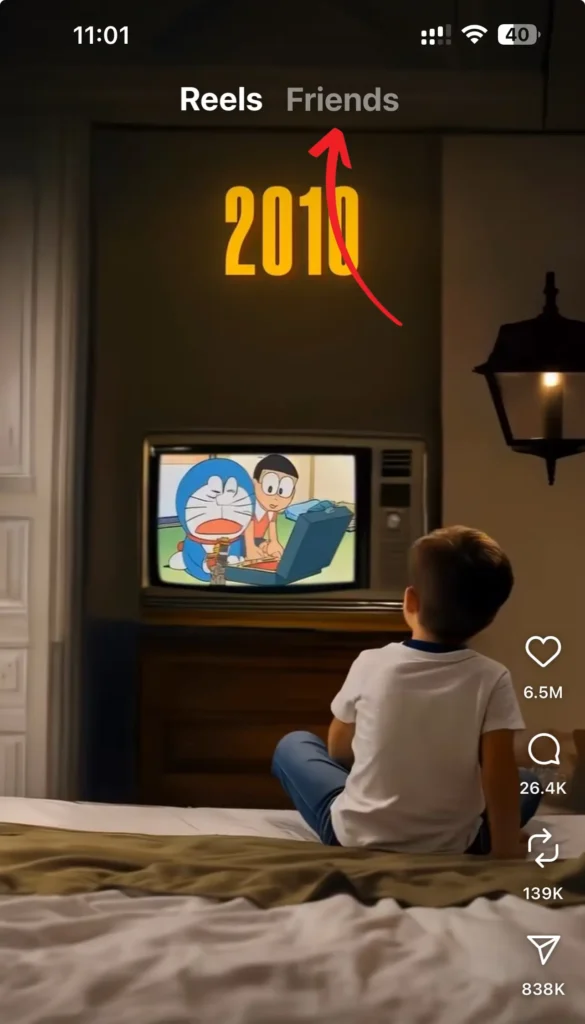
Accept a Blend Invitation
You can join the Instagram blend with your friends by accepting the invitation that your friend has shared with you. You can accept the blend invitation in the following steps:
Step 1: Open the Instagram app on your phone
Step 2: Go to your DMs (Direct Messages) by clicking on the Aeroplane-like icon
Step 3: Find the Blend invitation message from your friend
Step 4: Tap Join Blend to accept
Step 5: Once accepted, you’ll both start seeing a shared Reels feed
How to Leave or Manage a Blend
You can leave the blend on Instagram once you are no longer interested in watching the shared recommendation reels:
Step 1: Open your Blend feed on Instagram
Step 2: Tap the three dots (⋮) in the corner
Step 3: Select Leave Blend to exit
Step 4: Tap confirm, and your shared feed will disappear
You can activate Vanish Mode on Instagram if you don’t want the blend invitation to disappear after you accept or decline the invitation.
Conclusion
The Blend feature on Instagram is a simple way to enjoy Reels together with a friend. With this feature, you no longer have to share reels with your friends, as they would be able to watch the same reel in their feed. You can create your blend with your friends in a few simple ways by either accepting an invitation or inviting your friend to the blend. The blend feature makes content discovery simple, easy, and fun, which would be entertaining for you and your friend.
I love my mom