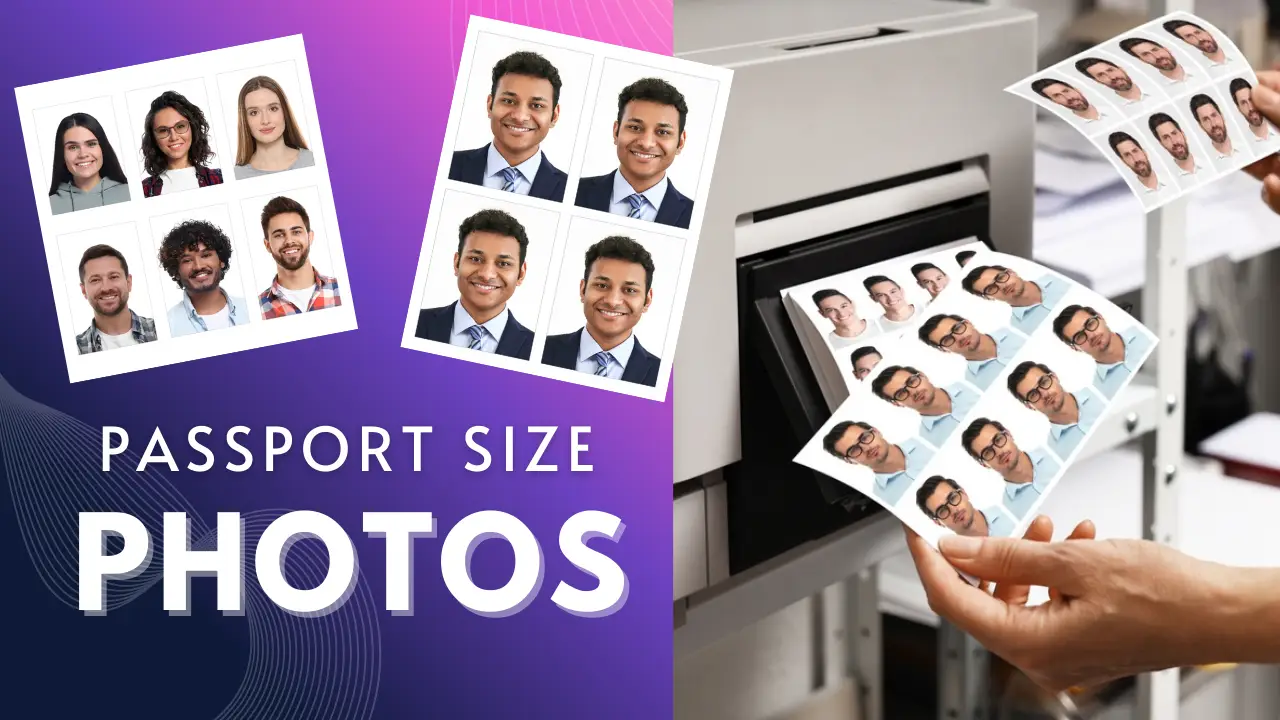
Passport-sized photos are significant in our day-to-day life as they are required for various purposes. They are useful for job applications, form fill-ups, bank accounts, passport applications, and applying for different types of documents. We usually go to the photo studio and wait for our turn to get out passport size photo clicked, which is usually time-consuming and expensive. But that is not the case these days, as you can create your passport size photo in a single click from your phone itself. You can convert your normal photo into a professional-looking passport-size photo in the size and format as per your requirement.
In this article, we have provided the steps to create passport-size photos from your phone in one click, such that you get high quality professional looking clean background photo for your requirements in a quick and easy guide, along with the step-by-step process for the same.
Who Should Use Online Passport Photo Maker Websites
These online passport photo maker tools help you change your photo background, adjust photo dimensions from your phone online, without visiting a studio or downloading any apps. Anyone who is looking for a passport photo urgently without visiting a studio out of their home. These online photo maker tools helps your get your desired photo from your phone without downloading any application or visiting any shop.
If you are filling out an application form, applying for documents online, and want a passport-sized photo instantly without downloading an external application, then this photo maker website would be an ideal choice for you. This tool helps you create your photo for free of cost, even without any photo editing skills or a camera.
What Makes Online Passport Photo Tools Reliable
These online passport-size photo maker websites are very useful, especially when you are filling an application form online and require your photo quickly. You don’t have to go out of your home to get your photo for applying online, as you can create yours easily in just a few clicks using this website. These tools not only help you with online application but you can also download the passport-size photo in your desired size and get it printed from any printing shop easily.
These photo tools are designed in such a way that it helps you create and download your passport photo according to the guidelines required for filling out any form. You are also provided with an option to change the background colour of the photo, choose the format and size according to the guidelines of your country, which reduces the chances of your application being rejected.
Steps to Create Passport-Size Photos Online Using a Website
If you want to create your passport-size photos online using a passport photo maker tool through a website using your phone, these steps would help you in that case:
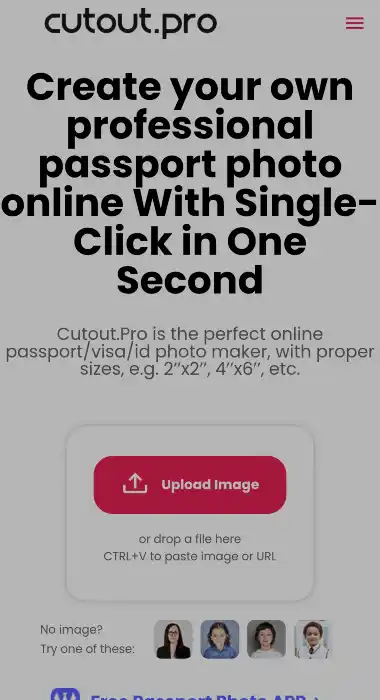
Step 1: Open the Cutout Pro website on your phone using a web browser
Step 2: Upload your photo in which your face is clearly visible
Step 3: Choose the passport size as per your requirement according to your country
Step 4: Choose the background for your photo and resize it accordingly
Step 5: Change the outfit for your photo to make it look professional
Step 6: Click on Create or Generate to preview your passport-size photo
Step 7: Download and save the photo to your device
Tip: If you want the photo in hard copy, select the paper size and download it to get the photo printed in hard copy from a printing store.
Simple Tips to Avoid Common Photo Mistakes
In order to get the best output as per the requirements of the form you are filling out or the document you are applying to, you must take into consideration the following points:
- Upload a bright photo in which your face is clearly visible.
- Do not use photos with an abstract background and heavily edited
- Make sure that your eyes are open, and your head is straight
- Choose the size as per the requirements of the document
- Always use a plain and light coloured background for clear visibility of your face
You can also get the photo printed by exporting it in a paper size such as 4X6 or A4 from the printing shop nearby.
Why This Method Is Better Than Traditional Photo Studios
Online passport photo maker tools, unlike the traditional photo studio helps you create your photo instantly in just a few clicks from your home using your phone. It not only saves your time but also saves the money that you may have to spend on visiting a photo studio. You get a lot of options to customise and edit the photo in different sizes and formats in high quality.
As most of the forms are filled out online these days, the online tools come in handy to get an instant photo to complete the application. The photo made from this website can be used for exam form fill-up, job applications, document applications, passport and visa applications, and various other forms and applications.
These online photo maker tools also provide print-ready layouts if you need the photo in print copy for physical forms.
Conclusion
Creating passport-size photos using a passport-size photo maker tool through a website from your phone is a very reliable and instant solution to get your photo ready. These tools are easy to use, free and provides with a lot of options for users based on the country and requirement. You can skip visiting a photo studio to get your passport photo, as you can get yours easily, even without any knowledge about photo editing. Moreover, the outputs of these tools are professional and high quality that reduces the risk of your application or form being rejected.
2 thoughts on “Create Passport Size Photos from Your Phone in One Click”